

 within 24
Hrs +
60
Days Free API Panel
within 24
Hrs +
60
Days Free API Panel
Top 20+ WhatsApp Interactive Message Examples

 4 minutes read
Last Updated :
September 6, 2025
chat_bubble
Want To Send Bulk SMS?
If yes, then test our service for FREE.
Want To Send WhatsApp Msg?
If yes, then test our service for FREE.
code
Get a Free Trial of WhatsApp API
Are you looking to boost your customer engagement on WhatsApp Business? The WhatsApp interactive message can help. With its help, companies can develop engaging, dynamic communication that is different from simple text messages.
Meta regularly updates its features for products. Interactive messages are the latest feature in its commercial category of the globally used messaging application, WhatsApp. WhatsApp business API users can use these interactive message ideas for their clients to save time and effort, simplify communication, and enhance conversion rates.
Note: If you want to create a WhatsApp Interactive Message Template, you can easily create it with easy steps.
Top 20+ WhatsApp Interactive Message Examples
Let’s go see the examples of WhatsApp interactive messages for various scenarios:
1. Retail industry for order confirmation
Retail industries can implement interactive messages to confirm orders, provide customer support, and track order deliveries. For instance, an interactive message may enable the clients to monitor their orders or request extra support.
Hello [Customer Name]! Your order for [product name] with [#Order Number] has been successfully confirmed. You can receive your order by [Delivery Date]. Click to view your order [order link].
Would you like to check other options:
- Track your order
- Browse more items
- Contact customer support
2. Financial service industry for account updates
Banks and other financial organizations can use interactive messages to send transaction confirmations, account changes, and other information. An interactive message might, for instance, allow users to check their balance, review previous transactions, or contact customer service.
Hello, Smith; your account balance has [Amount] on [Date]. Log in to check your balance [URL].
Click the options to proceed with :
- View Transactions
- Speak to Support
- Apply for Loan
3. Healthcare industry for appointment reminders
The healthcare industry can send interactive messages to its patients, such as appointment reminders and scheduling. These messages may include options for patients to confirm their attendance, reschedule, or cancel their booking.
Dear Patient, this message is to notify you of your doctor’s visit with [doctor name] at [Date and Time]. The doctor will be available this Time; please come on Time. Click the link to view details [URL].
Write the number to go with the following options [1,2,3].
- Confirm Appointment
- Reschedule
- Cancel Appointment
4. Hospitality industry for reservation confirmation
In the hospitality industry, hotels, restaurants, and other businesses can implement interactive messages to notify clients regarding their reservation confirmations, cancellations, or changes. For example, upon making a reservation, clients will be able to receive a message enabling them to confirm, cancel, or change their booking.
Hello [Visitor Name]! Your booking at our [Hotel/Restaurant Name] for [Date] is accepted and confirmed. Contact us to confirm your reservation and enjoy our services [Review Details Link]
- Modify Reservation
- Cancel Reservation
- Get More Details
5. Welcome Message Template
Hello, Suraj; we are happy to welcome you and are delighted to serve you with our best service. Let me know what you are looking for. [product link]!
6. Product/Service Inquiry
Hi [customer name]! Thanks for contacting us. How can we guide you? [explore more]!
What to want to browse:
- Product Details
- Pricing Info
- Delivery Information
7. Cart Abandonment Reminder
Dear Lucifer, it seems like you have not proceeded with the item you added to your cart. Do not worry; we are here to help you. Click to buy now and get an exclusive discount on your next order [product link].
8. Appointment Confirmation
Hey Devil, your booking at our restaurant is approved for [Date] at [Time]. Please get in touch with us if you need any schedule changes. Thanks! [Confirm Appointment]
9. Feedback Request
Hi [Client Name], we’d be grateful to hear sound from you! Please share your thoughts with us by giving us the stars.
- [ Rate Your Experience]
- [Fill Survey]
- [ No Thanks]
10. Survey Participation
Hey Bella, we appreciate your idea! Can you give us your Time to fill out this short survey? [Survey Link]”
11. Promotion or Discount Offer
Hey [Customer Name], we’ve got a fantastic deal for you only! Use code ‘DEAL1’ to get 20% off on your next order. Hurry, it’s valid until tomorrow! [claim offer]
12. Event Invitation
Dear Kartik! We are cordially inviting you to our 25th Ceremony on [Date and Time] at [Venue]. We are at this place all because of our valuable clients. Come and join us for our success. It’s going to be fun celebrating with you. RSVP here: [Link]”
13. Live Chat Support
Hi [Client Name], our team is ready to assist! Call us immediately; if you need any support, just write your question below, and we’ll get back to you ASAP. [ Contact Support]
14. Post-Purchase Upsell
Hey [Customer name], Thanks for shopping with us! While you’re waiting for your product, check out other related products that you might like:
- [Product 1]
- [Product 2]
- [Product 3]
15. Payment Reminder
Hi [First Name], this is just to inform you that your payment of [Amount] for order #[Order Number] is pending. Please pay here: [Payment Link].
16. Delivery Notification
Woah, Dear customer, Your order is out for delivery. You can track your order by clicking on the Link [tracking link]. Get in touch for further updates.
17. Subscription Renewal Reminder
Hi [First Name], your membership to [Service Name] is about to expire on [Date]. To bypass any interruptions, renew now: [Renewal Link]
18. Event Reminder
Hey [Client Name], just a quick alert! Your event [Event Name] is arriving on [Date]. We are pleased to see you here. Have fun!
[ View Event Details]
[Reschedule Event]
[Cancel Event]
19. Order Status Update
Hi Michael, I’m just checking in! Your order #[Order Number] has been dispatched. We’ll inform you once it’s ready for delivery.
[Track My Shipment]
[Contact Support]
[Continue Shopping]
20. Welcome Back Message
We are pleased to greet you back, Smith! It’s been a long time since I’ve seen you! We’ve got new stock and deals that you might love. Check them out now: [Product Link]
21. Offer Ending Soon
Hello Nitya, your exclusive deal is going to expire this Friday! Do not skip the opportunity – only a few hours left. Buy it now: [Link]
22. Birthday Special Offer
Happy Birthday, John! On your special day, we are giving you a 50% discount on your next order as a birthday treat; enjoy your day. Use code: BIRTHDAY50 at checkout!”
[Yes, Claim Offer]
[No, Thanks]
23. Limited-Time Flash Sale
FLASH SALE ALERT! Hi [Customer Name], enjoy up to 25% off on all cosmetic products for next Tuesday! Purchase it before it expires: [Link].”
24. Product Review Request
Hi [First Name], we’d love to hear your views on [Product Name]! Drop a review and get [Reward]. Click here to share your feedback: [Link]
25. Reminder for Upcoming Appointment
Hello, Divya; this is just a quick alert about your upcoming appointment on [Date] at [Time]. I’m looking forward to seeing you!
[ Confirm Appointment]
[ Reschedule]
[Cancel]
26. Quick Poll
Hi [Buyer Name], we would love it if you share your experience! What’s your preferred product quality?
- Feature A
- Feature B
- Feature C
27. Thank You Message
Hi [First Name], thank you for your order! We respect your faith in our business and can’t wait to help you again. Have a fantastic day! [FAQs]
28. Out-of-Stock Notification
Hello [First Name], We regret to notify you that [Product Name], the item you requested, is not currently available. Would you like to be informed when it becomes available again? [notify me]
29. Follow-up Message After a Conversation
Hello [First Name], I’m checking in to see if you have any more questions or if we can be of any additional assistance following our previous talk. Please respond here. [ Shop Again]
30. Feedback on Subscriptions
We’d love to hear your thoughts on your [Service Name] experience, [First Name]. Could you share your feedback on how we can improve?
[⭐ Excellent]
[⭐ Good]
[⭐ Needs Improvement]
Benefits of Using Interactive Messages on WhatsApp for Business
- Instant customer communication: Consider replying to your customers’ automated queries immediately. WhatsApp interactive messages allow you to set up automated replies that drive customers through options, ensuring fast and secure communication.
- Customized experience: Your clients want to feel extraordinary. Utilize these to offer customized suggestions or support, making a more intimate and interactive client experience.
- Simplified Support: Do away with unclear email exchanges and unanswered calls. You may respond directly to customer support inquiries on WhatsApp with interactive messages, which streamlines the process for both you and your clients.
- Enhanced Productivity: In your company, Time is of the essence. Automated interactive messages can answer common questions, giving you more Time to work on more challenging assignments.
- Increased Conversion Rates: By including quick and simple options like “Buy Now” or “Learn More” in messages, you can gently guide customers along the sales funnel and possibly increase your sales.
- Cost-effective: Unlike traditional marketing and conversation channels, WhatsApp is the most reliable and cost-effective solution. It lowers the requirement for expensive client service setups and simplifies conversation charges.
- Global audience: WhatsApp’s massive user base allows you to target clients globally, growing your market and enhancing your brand’s visibility.
- Enhanced feedback collection: Interactive messages are effective for collecting reviews from potential clients. Using quick polls or surveys to learn your client’s requirements and suggestions helps you scale your services effectively.
- Improve credibility: Consumers trust companies that are easy to reach and converse with. Being available and active on WhatsApp, you can develop trust and credibility with your clients.
- Data-driven insights: Monitor how your client interacts with your messages. This data can inform your business approaches, helping you make smarter decisions.
Examples of Successful Businesses Using Interactive Messages
We are going to list the successful businesses that are using interactive messages to drive clients, get reviews, and send alerts.
1. Adidas India
Adidas India has revamped its online store and introduced a new subscription plan to enhance online sales. They utilize WhatsApp interactive buttons to spread awareness and attract more users. Furthermore, whenever a user taps on the ‘join for free’ button, they are redirected to the respective website page where they can enter the program.
2. Disney+Hotstar
Nowadays, most users are using OTT platforms to watch their favorite movies, sports, and dramas. The Disney+Hotstar platform utilizes WhatsApp buttons to notify clients of membership renewals. This is a rapid way to help customers renew their memberships with just a single button and enjoy the service without any interruption.
3. Apollo clinics
The next successful business is Apollo Clinics, which uses a different approach to utilize WhatsApp interactive buttons. They use the WhatsApp quick reply button to gather client feedback, apart from WhatsApp call-to-action buttons to share awareness or drive communications. This is how they collect feedback.
4. Flipkart
During its Big Saving Days promotion, Flipkart also made use of WhatsApp Interactive buttons.
During this campaign, WhatsApp offered its clients discount coupons and advertised its referral program by requesting that users share it with up to ten friends to receive additional discounts and prizes. This is an excellent illustration of how to use WhatsApp as a platform to simultaneously develop referral programs, increase sales, and promote a campaign.
Conclusion
WhatsApp interactive message examples can save businesses a lot of time and effort. By reminding customers in a standard way with WhatsApp list messages or quick reply buttons, companies can streamline standardized engagement, hence saving time and money.
HowTime and interactive messages are shorter and more accessible for clients to understand than text-based lists. They display commonly sought-out details like (order status, delivery timing, and more), in a stable, standard way that makes navigation easy for clients.
Frequently Asked Questions
Offering quick action options such as 'Buy now' helps simplify the conversation, provides immediate support, enhances support efficiency, and increases sales.
These extraordinary messages over WhatsApp were considered to enable the clients to engage with a business via buttons and quick replies, making the conversion more impressive and dynamic.
You can send multiple types of messages on WhatsApp, such as reply button messages, single-product messages, location request messages, list messages, and flow messages.
Not much is required. A little basic knowledge is enough to set up messages. Various aspects of WhatsApp's business API are user-friendly. For more complex setups, you should consider getting help from a tech-savvy team member or a professional.
Use WhatsApp's built-in analytics tool to track message effectiveness, client engagement, and response rates to help refine your business strategy.
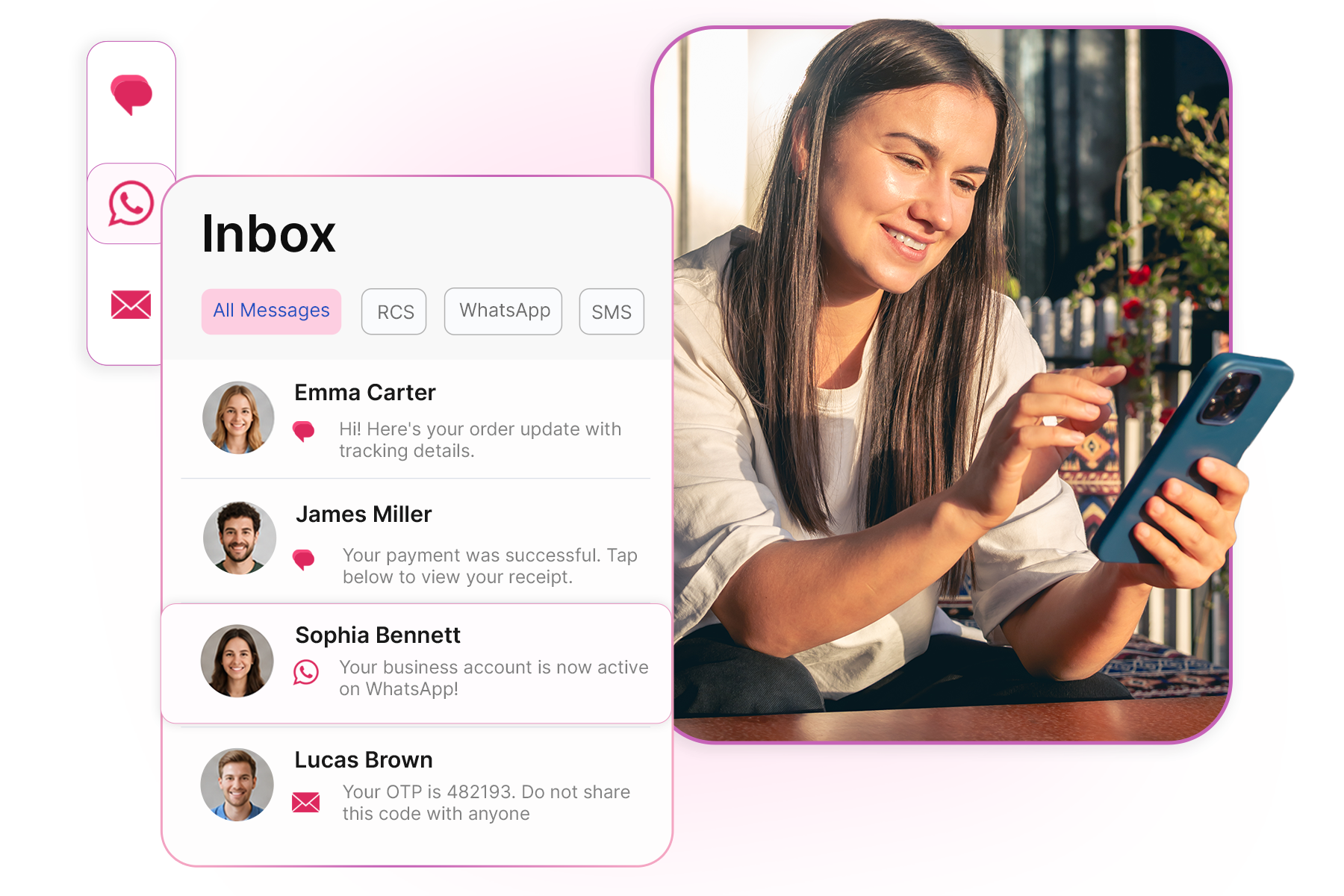
Get your business on WhatsApp with GatitSMS
Try for freeRecent Posts