
Send Bulk WhatsApp Messages with Clickable Button
Get Flat 30% Off On Purchase Of 1M Message.

:

Blogs by GetItSMS

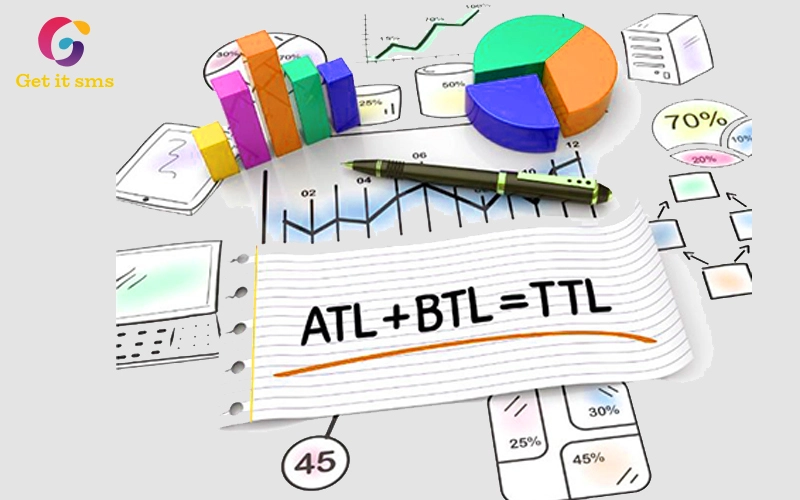
Difference Between ATL Marketing, TTL Marketing & BT...

November 18, 2023 | By Shalini Mishra

The first question is: What are the differences between ATL marketing, TTL marketing & BTL marketing, and why are these...

Read Full Article

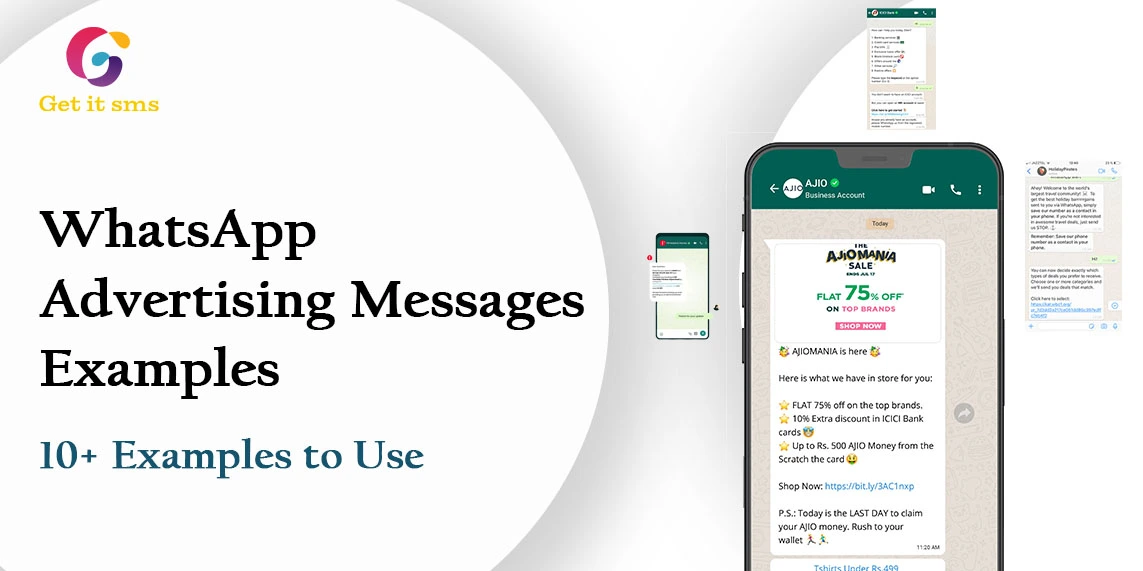
WhatsApp Advertising Messages Examples: 10+ Examples To Use

November 8, 2023 | By Shalini Mishra

How you can define the WhatsApp marketing strategies benefits for businesses using best WhatsApp advertising messages examples. Have you ever...

Read Full Article

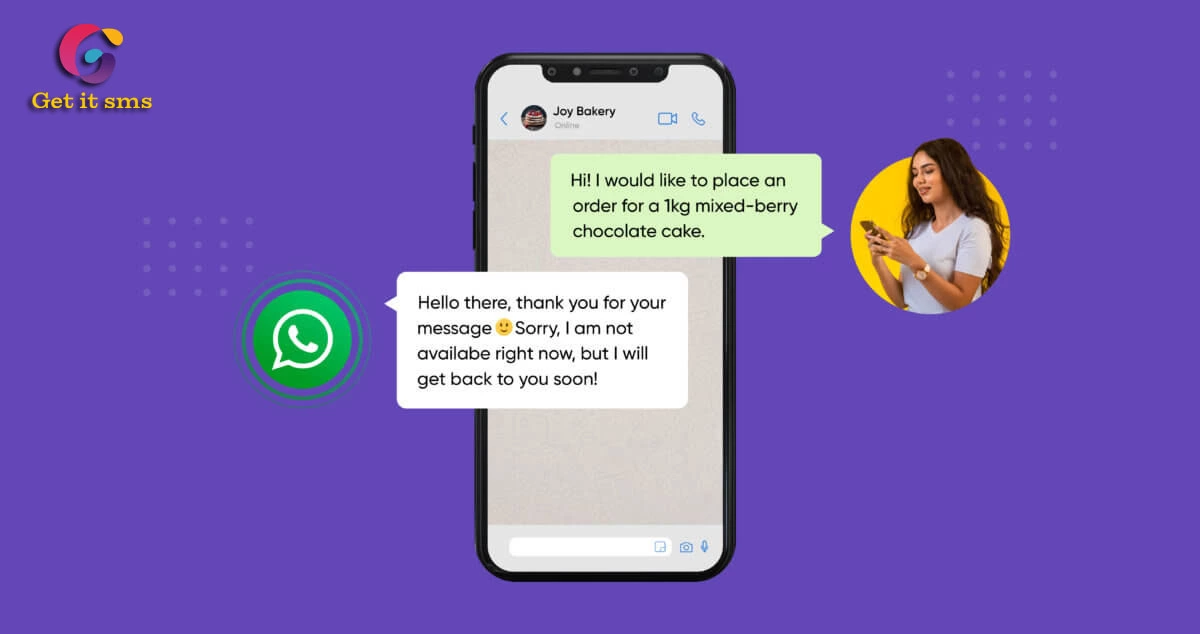
How to Set Up Automatic Response on WhatsApp

October 23, 2023 | By Shalini Mishra

Are you going to use auto reply for WhatsApp for your business? What is a WhatsApp Auto Reply Message? We...

Read Full Article

Trello WhatsApp Integration: Step-To-Step Guide

October 19, 2023 | By admin

Do you want to do Trello WhatsApp integration? Do we hear it right or something wrong? Yes, of course, you...

Read Full Article

How to Send Telegram Blast Message With Telegram Blaster

September 9, 2023 | By Shalini Mishra

Why are you worrying about sending Telegram Blast messages online as you want to promote your business through this social...

Read Full Article

How To Sell On Telegram: Step To Step Guide

September 6, 2023 | By Shalini Mishra

There is one thing that every single business owner wants to know about β€œHow to sell on Telegram”. Does telegram...

Read Full Article

How To Collect Customer Reviews On WhatsApp?

August 24, 2023 | By admin

Customer reviews on WhatsApp make the business more helpful or effective in increasing its customer service and productivity. To know...

Read Full Article

How To Setup WhatsApp Outlook Integration?

August 17, 2023 | By Shalini Mishra

To set up the WhatsApp Outlook integration can be done by the third-party application that is GetITSMS. As there is...

Read Full Article

How To Schedule Messages On WhatsApp: Android And IOS

August 17, 2023 | By Shalini Mishra

To schedule a message on WhatsApp, the very first thing you need to do is to contact a BSP -...

Read Full Article