

 within 24
Hrs +
60
Days Free API Panel
within 24
Hrs +
60
Days Free API Panel
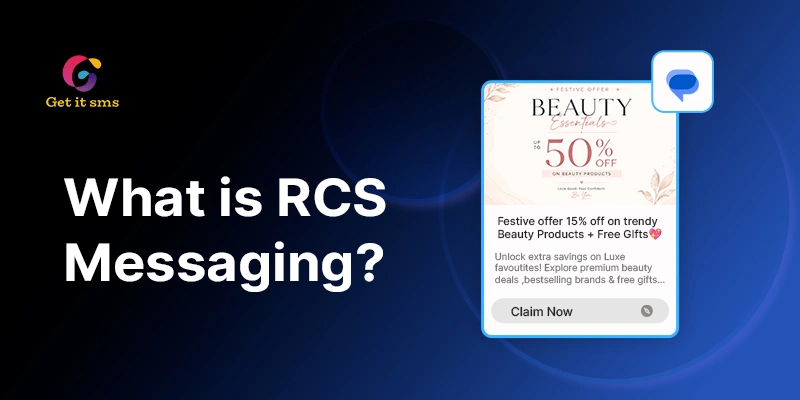
What Is RCS Messaging? Complete Guide to Rich Communication Services
 4 minutes read
Last Updated :
September 3, 2026
Too Long? Read This First
- RCS (Rich Communication Services) is the modern upgrade to SMS, bringing high-res media, read receipts, typing indicators, and branded messaging, right inside your phone's default messaging app.
- It works over mobile data or Wi-Fi, and automatically falls back to SMS when a device or carrier doesn't support it, so messages never fail to deliver.
- Global RCS adoption crossed 1.2 billion users in 2025 and is projected to hit 3.8 billion by 2026, making it a channel businesses can't ignore.
- Businesses use RCS for higher engagement, verified sender branding, two-way conversations, and better delivery tracking than plain SMS offers.
- GetItSMS makes it easy to launch verified RCS campaigns alongside WhatsApp Business API, bulk SMS, and voice messaging, all from one platform.
chat_bubble
Want To Send Bulk SMS?
If yes, then test our service for FREE.
Want To Send WhatsApp Msg?
If yes, then test our service for FREE.
code
Get a Free Trial of WhatsApp API
RCS messaging is the next generation of text messaging that brings rich media, read receipts, typing indicators, and interactive features to everyday conversation. If you’ve recently noticed “RCS Chat” on your phone or wondered what RCS in a text message means, you’re not alone.
Imagine two text messages side by side. One with plain grey text from an unknown number. The other shows up with a business logo, a product photo, or a “Track order” button. That’s the difference RCS text messaging brings.
With Apple and Android continuing to expand their support for Rich Communication Services (RCS), more businesses are upgrading to this communication channel. By 2026, RCS is expected to surpass 3.8 billion active users globally, showcasing its rapid growth.
Unlike traditional SMS, RCS supports high-quality media and interactive branded messages for more engaging chat conversations. In this blog, we will learn what RCS messaging for business means, how it works, key features, and business use cases.
What Is RCS Messaging?
Rich Communication Services messaging is a modern upgrade to traditional SMS and MMS. The channel brings app-like features directly to your phone’s default messaging app, eliminating the need for any extra download.
Unlike SMS, which runs on your carrier’s cellular network, RCS works easily over mobile data or Wi-Fi. This all makes it easier for businesses to send richer and more interactive messages similar to WhatsApp. Here are some of the key features of RCS messaging:
- Rich Media: Send high-resolution images, video (up to 100MB), and audio clips.
- Live Status Indicators: Real-time indicators to know when the other person is typing and when they have read your text.
- Interactive Elements: Add quick-reply buttons, carousels, and one-tap action links for booking and tracking orders.
- Advanced Group Chats: Manage group chats seamlessly by easily adding or removing members.
- Longer text limit: Write long messages far beyond the 160-character limit of basic SMS.
- Verified sender branding: Businesses can display a verified name, logo, and checkmark to know who is texting.
Together, these features make RCS messaging feel less old-school like texting and offer more of a modern chat app experience.
RCS Messaging Statistics (2026)
Let’s see some actual figures that demonstrate the rapid evolution of RCS from a niche upgrade to the mainstream messaging standard:
- User base: By the end of 2025, Global RCS adoption reached 1.2 billion users and is expected to reach 3.5 billion by 2027. (RevenueMemo, 2026)
- Message volume: RCS business messaging traffic hit 50 billion messages in 2025, up from 33 billion in 2024, and is projected to cross 200 billion by 2027 (Juniper Research, 2026)
- Market growth: The global RCS market is expected to increase from roughly $3.6 billion in 2026 to $10.9 billion by 2031. (Mordor Intelligence, 2026)
- Business revenue: Global RCS-for-Business revenue is expected to reach $2 billion in 2026, rising to $6.5 billion by 2030 (Juniper Research, 2026)
- Daily volume in the US: Google reported over 1 billion RCS messages sent daily in the US alone as of mid-2025 (Google, via Messente, 2026)
How Does RCS Messaging Work?
RCS sends your messages over mobile data or Wi-Fi instead of your carrier’s cellular network. It allows it to carry richer content like high-resolution photos, videos, and real-time typing status.
The best part? If the recipient’s device does not support it, the platform automatically falls back to SMS. It ensures your message still gets through and does not fail to deliver even when RCS is not available on the other end.
Behind the scenes, RCS follows a technical standard called the GSMS Universal Profile. This keeps the whole experience consistent across phones and carriers so that features work the same way in Android and iPhone. No need to install anything. RCS is ready-to-use and runs right inside your default messaging app.
RCS vs SMS vs MMS: Key Differences
You have seen SMS and MMS around for decades. But they weren’t how businesses connect with their customers today. RCS closes this gap without any extra download. Here’s side-by-side comparisons:
| Feature | SMS | MMS | RCS |
| Network | Cellular | Cellular | Mobile data or Wi-Fi |
| Text limit | 160 characters | 160 characters | Up to 3,072 characters |
| Media support | None | Basic images, short video | High-res photos, videos, audio (up to 100MB) |
| Read receipts | No | No | Yes |
| Typing indicators | No | No | Yes |
| Group chat size | Limited | Limited | Up to 100 participants |
| Business branding | No | No | Verified name, logo, checkmark |
| Interactive buttons | No | No | Yes (Buy Now, Track Order, etc.) |
| Encryption | None | None | Available (varies) |
| Works without internet | Yes | Yes | No — falls back to SMS |
RCS is not gonna replace SMS overnight. You can think of it like an upgraded version of text message that reaches your customer’s phone directly when supported. If it doesn’t, the message simply falls back to simple SMS but does not fail.
Benefits of RCS Messaging for Businesses
Here’s why more brands are making the switch from SMS to RCS text messaging:
- Higher Engagement: RCS messages enable rich-media support along with interactive action buttons that make text get noticed faster than simple plain grey SMS.
- Two-Way Conversation: Customers can reply, ask queries, and interact with businesses in real-time, leading to a more personalized communication experience.
- No app download needed: Customers get a rich app-like experience directly inside native mobile inboxes. It eliminates the need to download any additional app.
- Cross-platform compatibility: Smooth messaging across devices, including Android and iPhone.
- Stronger trust and security: A verified sender badge, brand name, and logo improve customer trust and cut down on phishing risk.
- Delivery and read confirmation: SMS only tells you the message was delivered. But RCS offers you real-time indicators to know when messages actually get read.
- Automatic fallback to SMS: If the customer’s device or carrier doesn’t support RCS, then messages automatically drop back to standard SMS and ensure the message reaches the customer.
How to Enable RCS Messaging on Your Phone?
Turning on RCS messages takes less than a minute. Here’s how you can do it by following some simple steps:
A. On Android (Google Messages):
- Open the Google Messages app.
- Tap your profile picture or icon in the top right corner of your screen.
- Select Message settings.
- Now click RCS Chat.
- Toggle RCS chats on.
B. On iPhone (iOS 18 or later):
- Navigate to Settings.
- Scroll down and click Apps.
- Tap on Messages.
- Select RCS Messaging.
- Toggle RCS Messaging on.
Note: Requires iOS 18+ and carrier support
Once enabled, you will see “RCS Message” instead of “Text Message” while chatting with someone who also has RCS turned on. If your carriers do not support RCS yet, the toggle might not appear in that case.
Real-World Use Cases of RCS Messaging for Business
RCS business messaging works across almost all industries. Here’s how different sectors are putting it to use:
1. Retail and E-commerce
Use Cases: Product promotions, abandoned cart reminders, and order updates.
Retailers can showcase their new arrivals via rich cards and carousels, send personalized offers, and let customers browse or buy directly from the message using action buttons or links.
2. Banking and Financial Services
Use Case: Account alerts, transaction updates, and fraud notifications.
Banks can send secure and branded messages with real-time account updates with a call-to-action button for customer support or verification.
3. Healthcare
Use Case: Appointment reminders and test report notifications.
Hospitals and clinics can keep their patient well-informed by sending appointment confirmations, prescription reminders, and important health updates directly to their inbox.
4. Travel and Hospitality
Use Case: Booking confirmations and travel updates.
Hotels and travelers can send digital onboarding passes, reservation details, check-in details, and travel details in a single interactive message.
5. Education
Use Case: Admission updates, exam schedule updates, and fee reminders.
Schools and universities can inform students and parents in real-time by sharing important updates, exam schedules, late-fee reminders, and event information.
6. Real Estate
Use Case: Property listings and lead nurturing.
Real estate companies can send property catalogs with images, virtual tour links, price, or availability updates, and inquiry follow-ups to help buyers make informed decisions.
How to Get Started with RCS Messaging?
Want to launch RCS campaigns for your business? Don’t know where to get started? Follow these steps to launch interactive and branded messaging experiences for your customers:
- Choose an RCS Business Messaging Provider: Select a trusted RCS Messaging provider like GetItSMS to manage campaigns and customer conversations.
- Create Your Business Profile: Now you set your sender profile by providing your business name, company logo, and support details.
- Complete Business Verification: Submit your profile for verification. Once you get approved, customers will see your verified business name and branding instead of an unknown number.
- Design Rich RCS Messages: Create engaging messaging templates using high-quality images, videos, rich cards, carousels, action buttons, and suggested replies.
- Integrate With Your Existing Tools: Connect RCS APIs with your CRM, e-commerce tools, customer support software, and marketing automation platforms to streamline communication.
- Launch and Optimize Campaigns: Start sending RCS messages and track performance via delivery reports, read receipts, and click-rate to improve future campaigns.
Apart from RCS, GetItSMS also offers a full suite of omnichannel communication tools like RCS messaging, Bulk SMS service, WhatsApp Business API, Voice API, and OTP SMS to manage customer conversations from a single dashboard.
Common RCS Messaging Problems & Fixes
Facing issues with RCS Messaging? Here are the most common issues and quick fixes for that:
Why isn’t RCS working?
A few things can block RCS from working properly:
- Your phone number isn’t verified yet
- Your carrier doesn’t support RCS in your region
- You don’t have an active data or Wi-Fi connection
Go to your Messages app settings to confirm RCS is toggled on and ensure you have a stable internet connection.
Why do I still see green bubbles on my iPhone?
This trips up a lot of people. Green bubbles don’t mean RCS is off. Apple keeps the green color for all non-iMessage chats, including RCS conversations with Android users. What matters is the label under the message box. If it says “Text message. RCS,” it means RCS is active, even with a green bubble.
Why did my message fall back to SMS or MMS?
This is normal. It is not an error. If the person you’re messaging doesn’t have RCS enabled or a supported carrier, your message automatically switches to SMS or MMS instead. Nothing is broken.
Conclusion
RCS messaging is transforming the way businesses connect with customers by bringing the richness of SMS along with interactive features of modern messaging apps. It lets businesses improve customer engagement and offer a personalized customer experience by offering rich-media support, live status indicators, interactive elements, and advanced group chat. As adoption continues to grow across Android and iPhone devices, brands have an open opportunity to move beyond simple plain text messages to rich conversations.
Be it a promotional campaign, order updates, appointment reminders, or customer support messages, RCS helps you deliver the right message in an engaging format. What makes it stand out from other communication channels is that you don’t even need to download any extra application. You can easily start with RCS Business messaging with a verified provider like GetItSMS. The platform helps you easily launch verified RCS campaigns along with support for WhatsApp Business API, bulk SMS, and voice API to upgrade your customer communication strategy using multiple channels from a single platform.
Frequently Asked Questions
Yes. Many businesses already use RCS messaging for OTPs, order updates, and account details. Sending text messages with a verified sender makes it feel more trustworthy.
RCS messages work in most of the countries where carriers and devices support it. However, the coverage still varies by region. If your messaging somehow fails, the messages will automatically fall back to SMS.
Yes. On Android, you just need to go to Google Messages settings and toggle RCS chat off. On iPhone, go to Settings > Apps > Messages > RCS Messaging and turn it off.
Yes, you can edit or unsend RCS messages using supported apps like Google Messages within 15 minutes of sending. But it still depends on your device, carrier, and app version.
RCS messaging cost for businesses mainly depends on the rates of the provider you choose, region, and monthly sending volume.
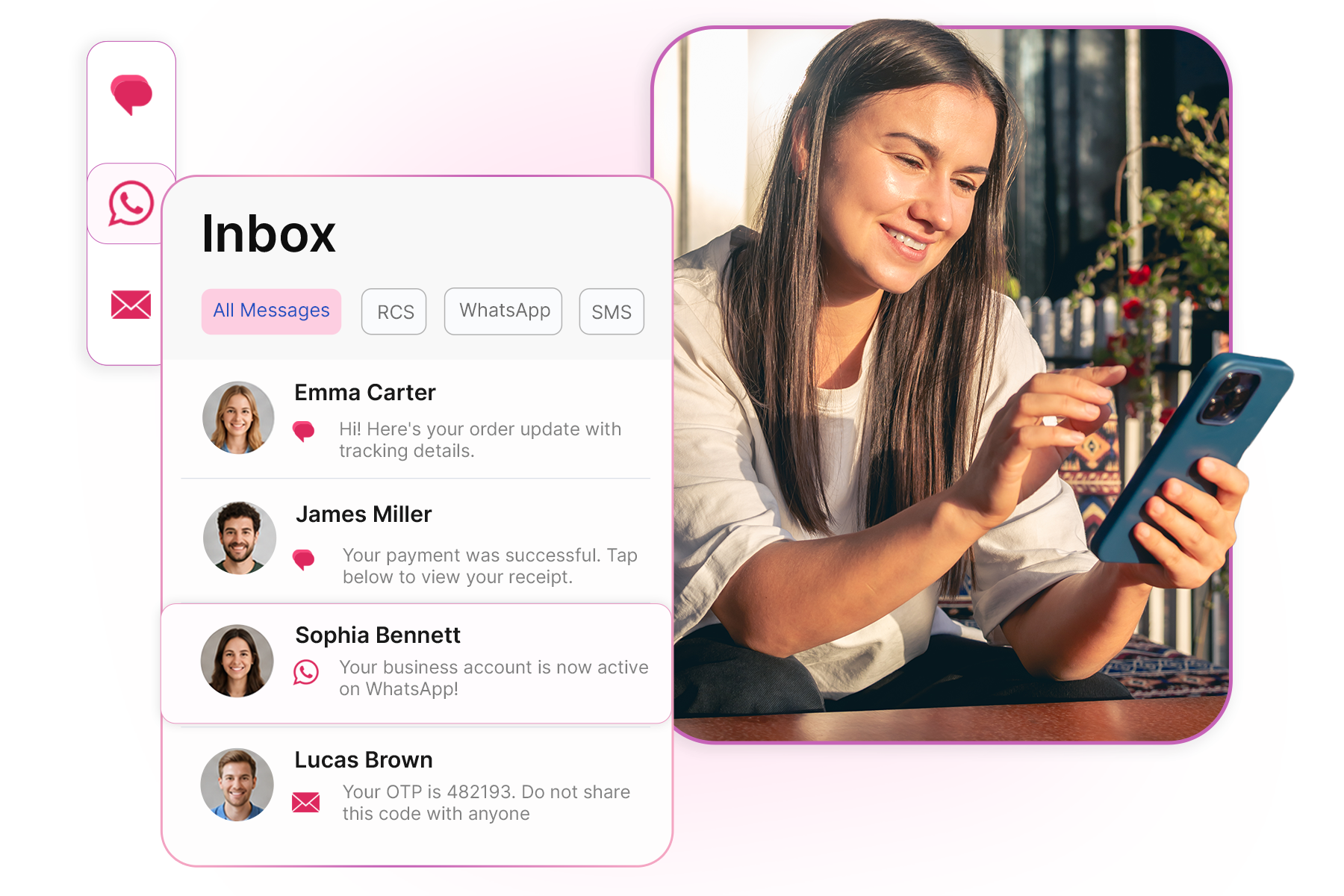
Get your business on WhatsApp with GatitSMS
Try for freeRecent Posts