
WhatsApp Business API
Take your business beyond standard messages. Scale customer engagement, automate sales, send bulk notifications, recover carts, and provide 5-star support with the GetItSMS official WhatsApp Business API solution.
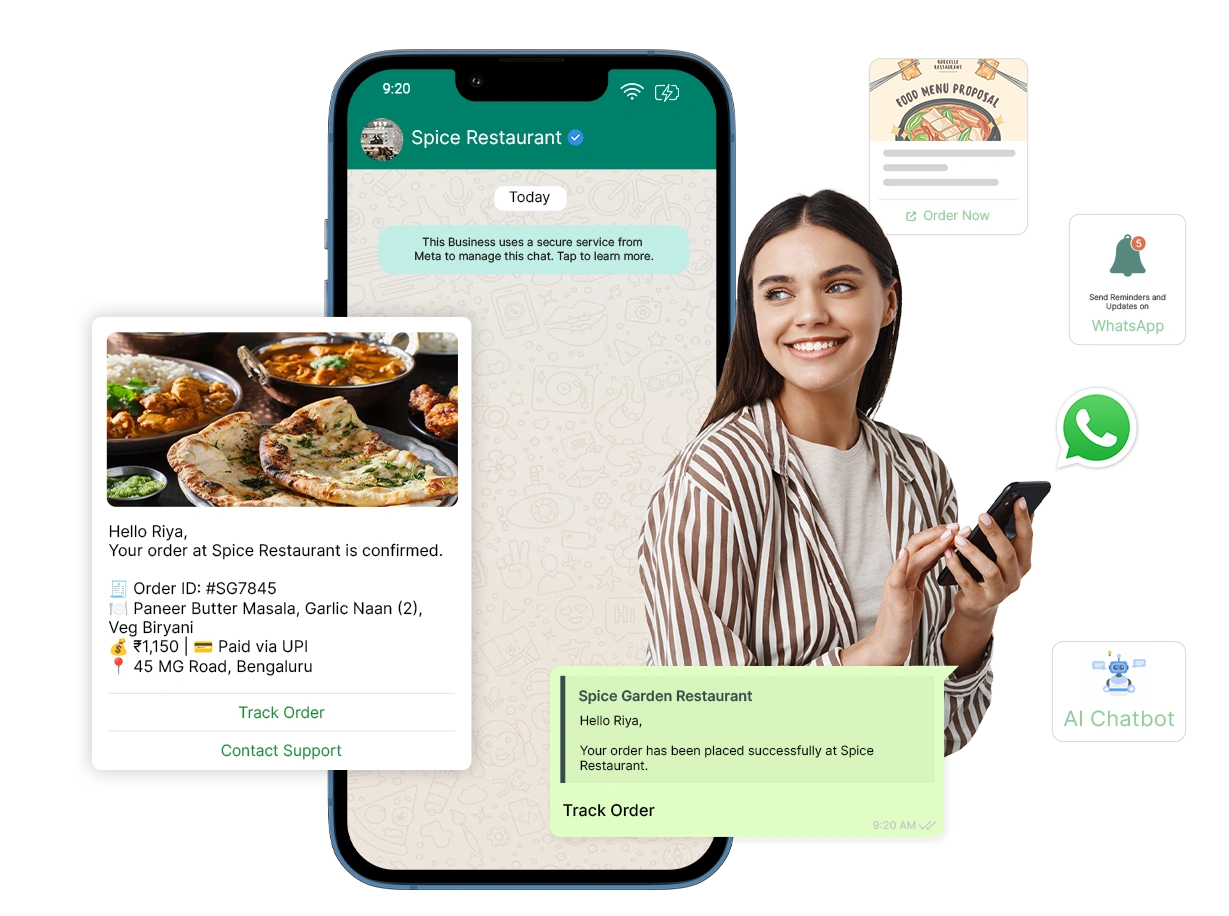


What is WhatsApp Business API?
The WhatsApp Business API is a messaging solution by Meta for enterprises to scale their communication and marketing reach. It helps businesses handle a large volume of messages, send updates, and respond quickly without any manual efforts. Brands can use it to stay connected with customers, improve support, and drive conversions via Meta’s official infrastructure
Why GetItSMS?
Businesses using GetItSMS
Trusted by thousands of brands globally to power their WhatsApp communication.
Deployment Speed compared to other providers
Our streamlined onboarding gets your API panel operational faster than other providers.
CRM & tool integrations
Easily connect with the tools your team already uses without any disruption.
Support team
Our experts are available around the clock to keep your messaging running smoothly.
Markup charges
No markup charges at all, simple, competitive pricing with no hidden extras.
WhatsApp Business API Features for Modern Businesses
Uncover the key features that transform WhatsApp into your most versatile business messaging powerhouse.
Automate with AI-Powered Chatbots
Automate your customer journey 24/7. Deploy an intelligent chatbot to qualify leads and answer FAQs, with an instant switch to human agents for complex queries.
Scale Outreach with Bulk Broadcasts
Reach thousands of opted-in customers with personalized campaigns and real-time tracking via high-impact bulk broadcast campaigns.
Simplify Support with Shared Team Inbox
Allow multiple agents to handle customer queries from a single official number. A shared team inbox ensures each conversation is tracked and no lead is left behind.
Sell Directly with WhatsApp Catalog
Turn your chat into a digital storefront using the WhatsApp catalog. It allows customers to browse products, add them to the cart, and buy without leaving the app.
Supercharge Leads with Click-to-WhatsApp Ads
Link your Facebook or Instagram ads directly to chat for 5x more conversions. With CTWA, brands can increase conversions and reduce their cost per lead.
Close Sales with Secure WhatsApp Payments
Reduce checkout friction with in-app payments via Razorpay, PayU, or UPI. It enables businesses to collect payments securely and quickly during live chats.
Collect Data with WhatsApp Forms
Simplify lead capture and appointment booking with WhatsApp Forms to offer a multi-step interactive experience while collecting customer feedback.
Verify Identities with WhatsApp OTPs
Send OTPs and login verification with 99% delivery rate. Make login and transactions more secure using the end-to-end encrypted Two-Factor Authentication.
Build Trust with Blue Tick Verification
Get a verified blue tick badge for your business to boost trust, improve open rate, and protect your brand from spam flags.
Drive Action with Interactive Buttons & CTAs
Replace your boring text with a WhatsApp interactive button. Use quick replies for FAQs and buttons to enable customers to respond and take action with just a single tap.
Why Your Businesses Need WhatsApp Business API?
Your messages actually get read
With most emails left unopened and SMS getting muted, WhatsApp comes with 98% open rate. It ensures messages get seen, read, and acted on.
Recover Abandoned Cart Sales Faster
Around 70% of shoppers leave items in their cart and forget. Send automated abandoned cart reminders within minutes with a direct payment link to recover lost sales.
Customer support that doesn't sleep
AI Chatbots automate 70% of routine queries while enabling the support team to focus on more complex tasks. It lowers operational costs by 60% and improves customer satisfaction.
Real-time insights that drive growth
Stop guessing and start scaling.API enables you to monitor delivery rate, open rate, and click-through rates in real-time to optimize the campaign for maximum ROI.
Build Instant Trust
Messages from unknown numbers are often reported as spam. Having the blue tick badge on your profile helps you improve your brand authenticity and authority.
Easy Integration with Your Tools
Manual updates across e-commerce, payments, and CRM lead to wasting hours. WhatsApp seamlessly connects tools like Shopify, HubSpot, and Zoho to automate data flow.
Requirements for Accessing the
WhatsApp Business API
Ensure your business meets these criteria to get approved for the WhatsApp Business API:
Ready to get approved?
Most businesses get WhatsApp Business API access within 24–48 hours after meeting all requirements.
check off
turnaround
rate with API

Meta Business Manager Account
Your business account must be registered and operate under WhatsApp’s guidelines.
Legal Business Documents
Documents like the Business Registration Certificate or GST certificate to verify your business is genuine.
Dedicated Phone Number (Coexistence Supported)
You need an active phone number. (New one or existing WhatsApp Business number).
Live Business Website
An official business website that showcases your business and services.
Facebook Business Page
A verified Facebook Business Manager account is needed for brand approval by Meta.
Valid Payment Method
A credit card or a valid billing method linked to Facebook Business Manager for API conversation charges.
User Opt-in
Businesses must obtain permission from users before messaging through WhatsApp.
Types of Messages Supported by WhatsApp Business API
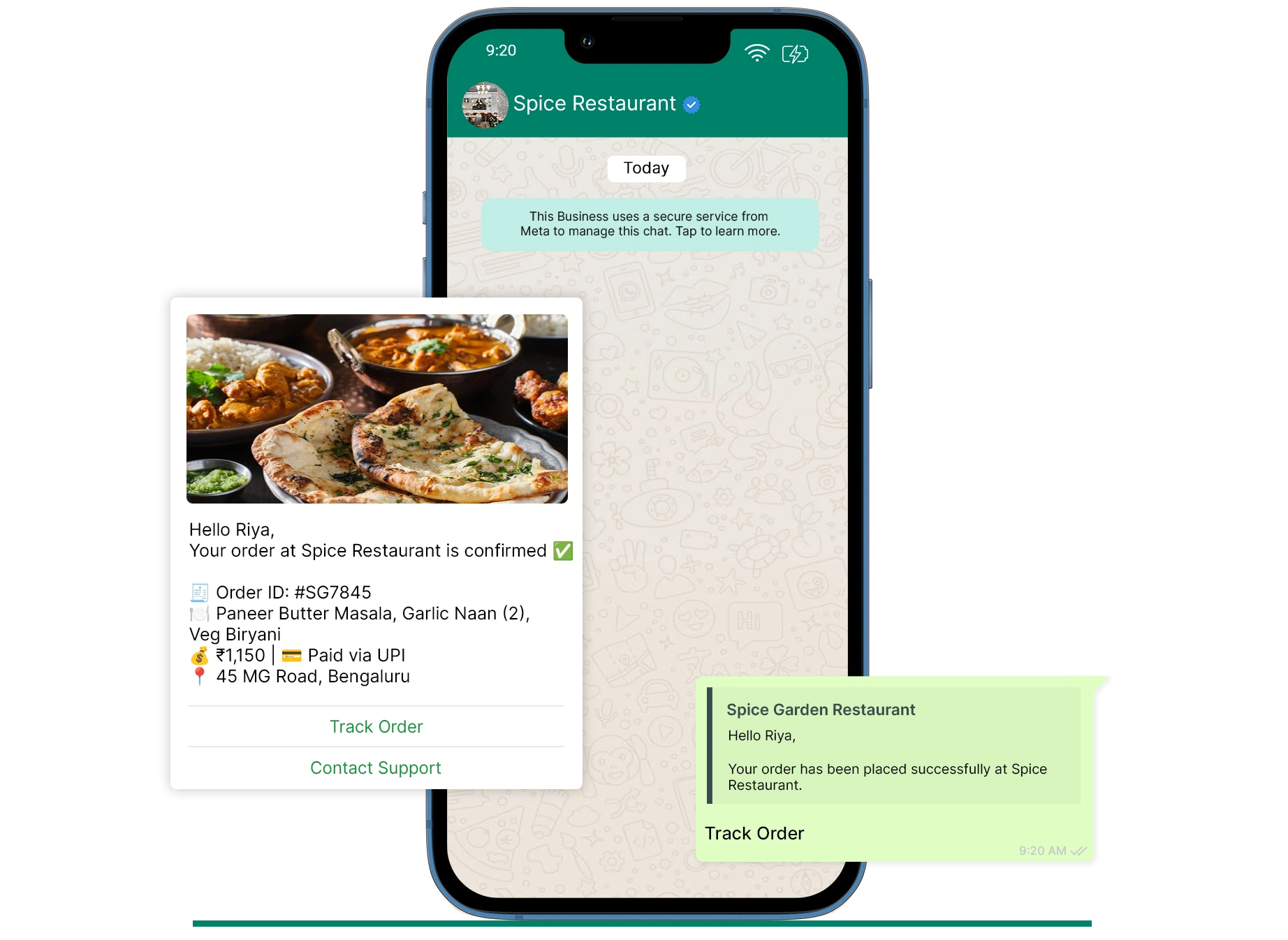
Utility
Used for transactional updates
- Order confirmations
- Shipping alerts
- Payment receipts
Authentication
Used for verification and security
- OTP messages
- Account verification
Marketing
Used for promotions and campaigns
- Discounts
- Product launches
- Retargeting messages
ServiceFree
User-initiated conversations
- Customer support
- Queries & complaints
App vs Business App vs API: What's Right for You?
Not all WhatsApp products are equal. See exactly where the Business API leaves the rest behind.
| Feature | WhatsApp App | WhatsApp Business App | WhatsApp Business API |
|---|---|---|---|
| Basics & Setup | |||
| Cost | Free | Free | Paid — per conversation |
| Best Suited For | ~ Personal use only | ~ Small businesses | Medium & large businesses |
| Business Profile | No | Yes | Yes (with Blue Tick) |
| Verified Blue Tick | Not possible | Not possible | Yes — Official Meta verification |
| Access Method | App download | App download | Via Official Meta Partner (GetItSMS) |
| Messaging & Broadcasting | |||
| Broadcast / Bulk Messaging | No | ~ Max 256 saved contacts per list | Unlimited (tiered — up to unlimited/day) |
| Broadcast to Unsaved Numbers | No | No — number save required | Yes — no number save required |
| Message Templates | No | ~ Basic quick replies only | Yes — Meta-approved templates |
| Automated Messaging | No | ~ Greeting & away messages only | Full automation + drip campaigns |
| Drip Campaigns | No | No | Yes |
| Click-to-WhatsApp Ads (CTWA) | No | ~ Limited | Yes — full CTWA integration |
| Team Access & Shared Inbox | |||
| Multi-Agent / Team Access | No | ~ Up to 4 linked devices only | Unlimited agents |
| Shared Team Inbox | No | No | Yes — with chat assignment |
| Chat Assignment to Agents | No | No | Yes |
| Automation, Chatbot & AI | |||
| AI Chatbot / WhatsApp Bot | No | No | Yes — 24/7 AI automation |
| WhatsApp Forms & Flows | No | No | Yes |
| OTP / Authentication | No | No | 99% delivery |
| Commerce & Integrations | |||
| In-Chat Payments | No | ~ Select regions | Full WA Pay |
| CRM Integrations | No | No | Zoho, HubSpot & more |
| Analytics & Reporting | No | ~ Basic only | Full dashboard |
How to Get WhatsApp Business API Through GetItSMS?
To begin using WhatsApp Business API with GetItSMS, you have to follow these simple steps:
1 — Sign Up
Start within a minute with GetItSMS to access your centralized dashboard and manage your business communication effortlessly.
2 — Choose Your Plan
Select a WhatsApp pricing plan that aligns with your business goals. Enjoy WhatsApp APi features with no hidden charges.
3 — Verify Your WABA Number
Authenticate your official WhatsApp Business Number to send messages, automate chats, and build customer trust.
4 — Add Templates & Contacts
Use pre-designed templates and upload your customer list to launch your high-impact marketing campaigns.
5 — Setup Chatbot
Deploy AI-powered chatbots to handle FAQs, automate responses, and provide instant support 24/7 via WhatsApp.
6 — Analyze Performance
Track chat analytics, monitor message delivery, and get helpful insights to enhance communication, response rate, and campaign effectiveness.
Empower Every Team with WhatsApp Business API
One platform, every department — see how each team benefits.
Get More Replies From Every Campaign
Send targeted WhatsApp, RCS, and SMS campaigns with rich media, buttons, and quick replies. Reach customers where they read messages first, personalize every broadcast, and track delivery and engagement in real time to see what works.
Explore Sales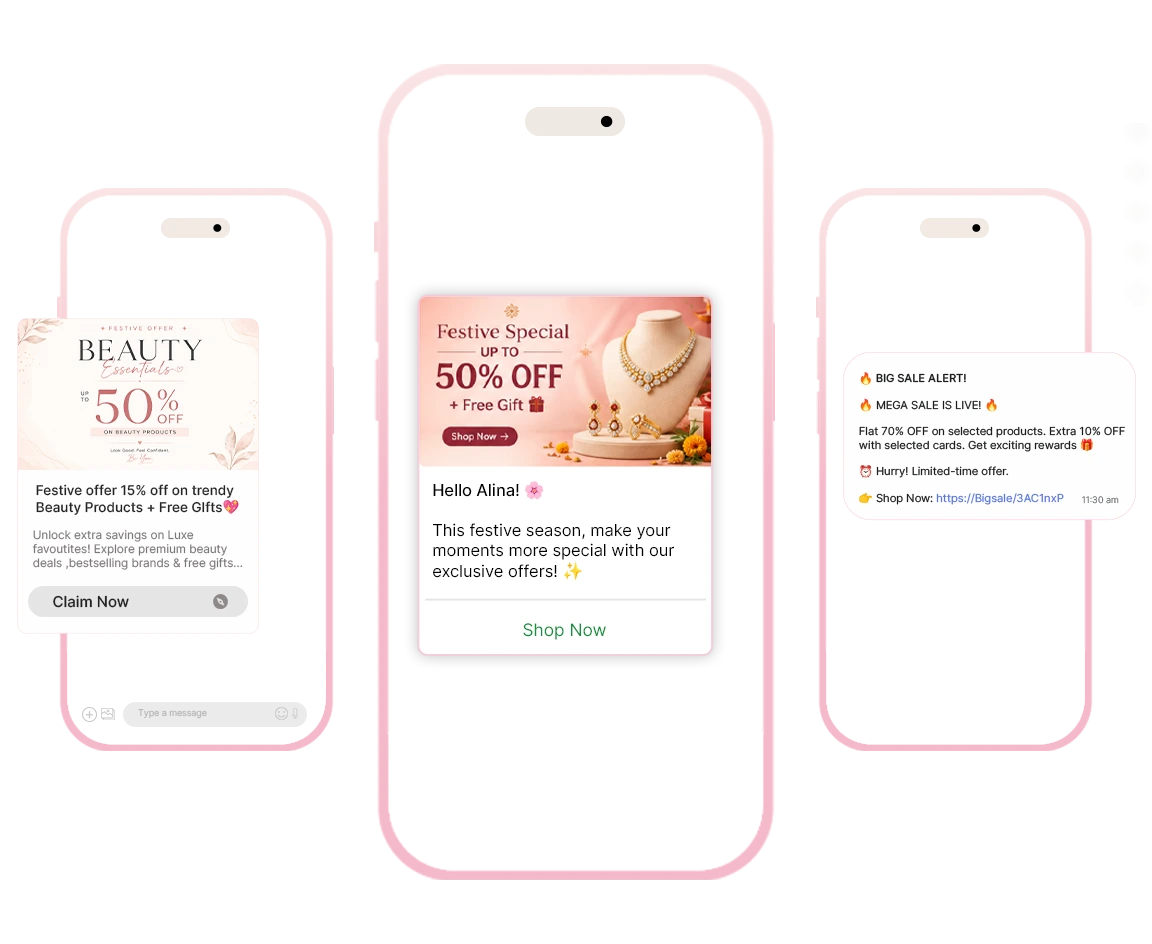
Close Deals While Leads Are Still Warm
Reply to new leads instantly, share product catalogs and payment links right in the chat, and recover abandoned carts automatically. Follow up at the right moment across channels so no enquiry goes cold.
Explore Support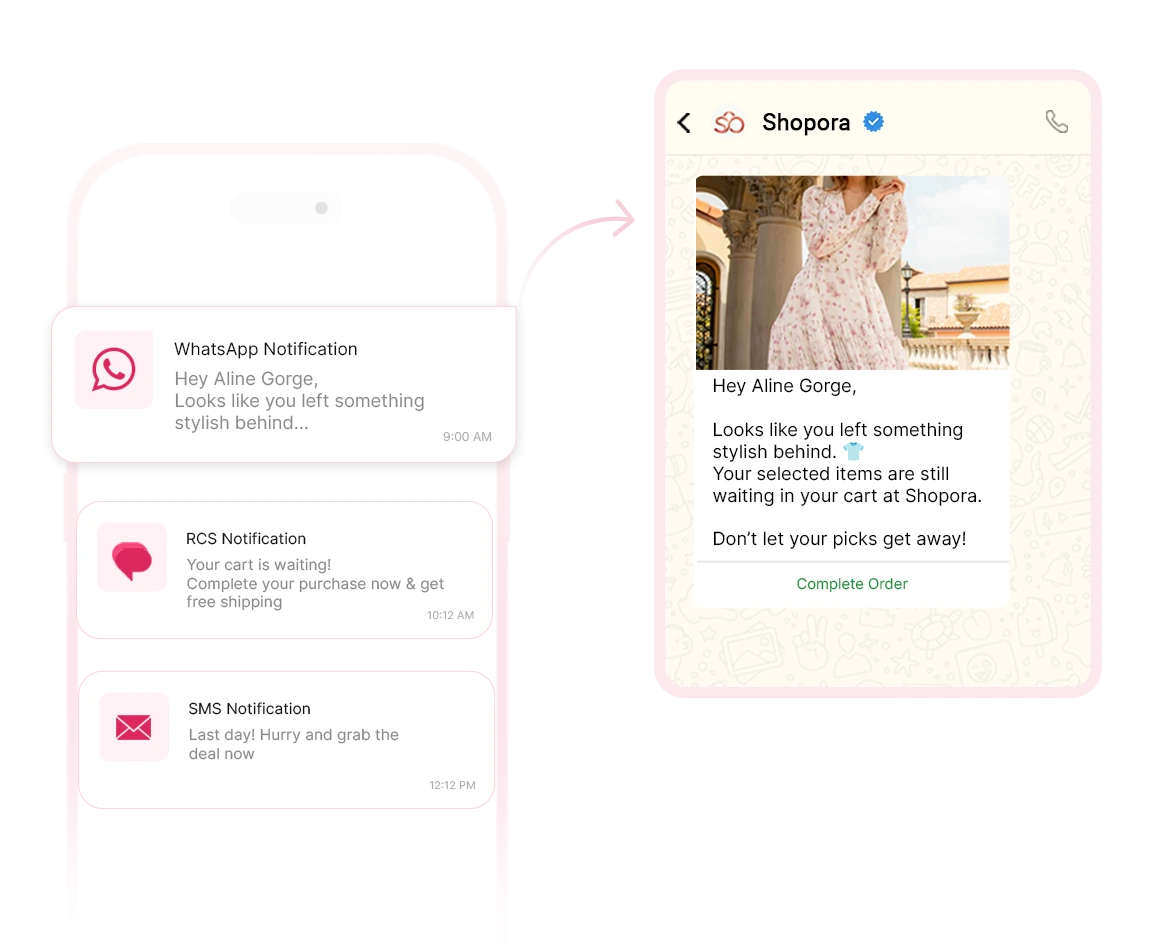
Solve Customer Issues Before They Escalate
Combine AI chatbots, live chat, and a shared inbox so customers get quick answers and your team gets full conversation context. Send order updates and appointment reminders on WhatsApp, RCS, SMS, and Email, available 24/7.
Back to Marketing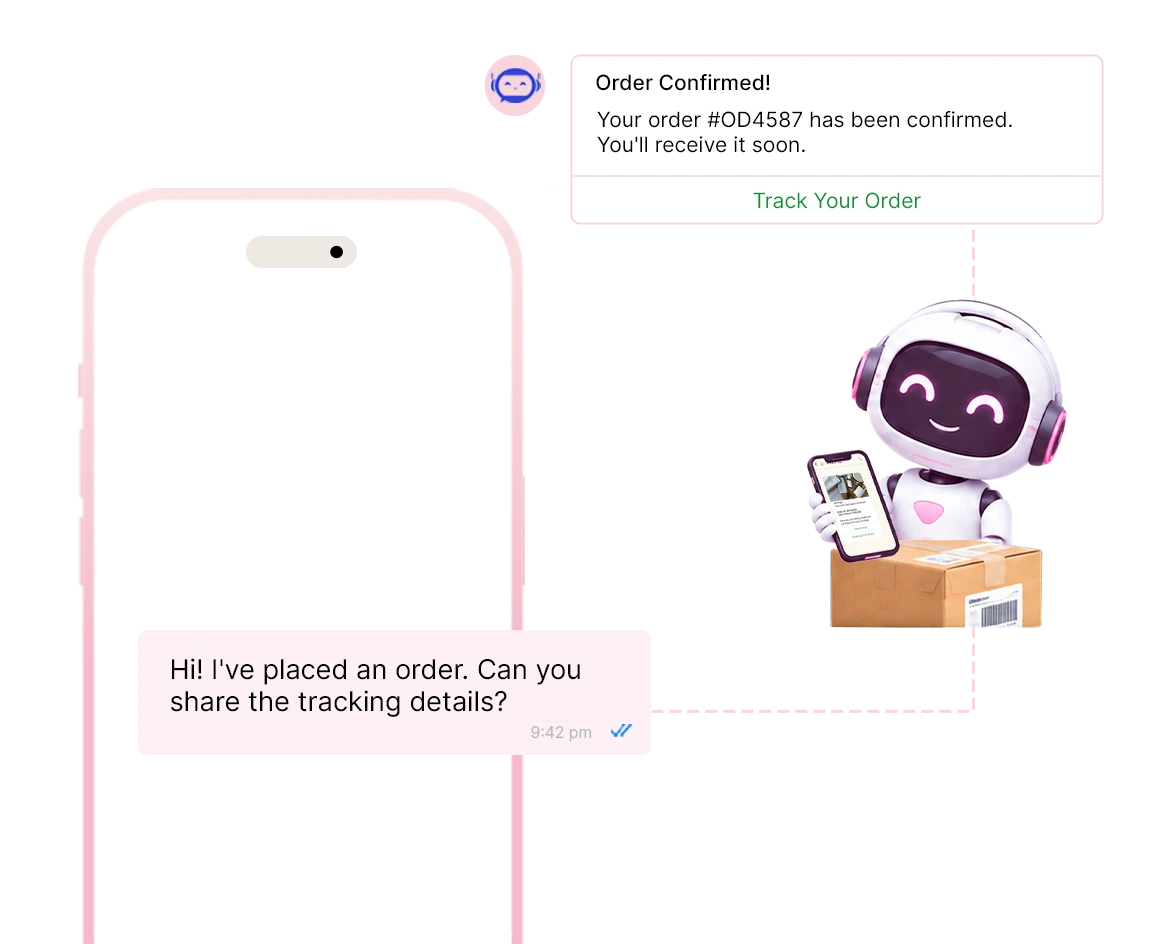
International Services That Give You Wings
WhatsApp Business API
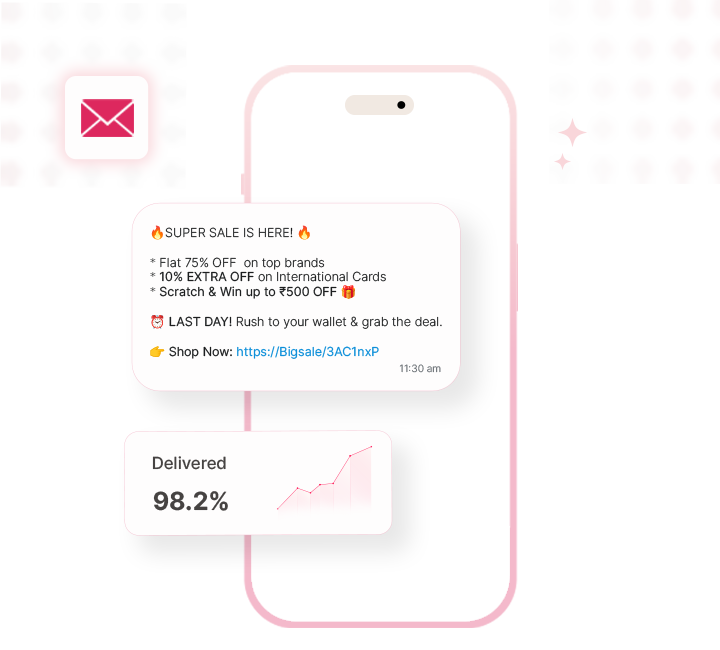
Connect globally with a verified WhatsApp Business profile. Share media, automate support, and send secure updates.
Learn More about WhatsApp Business API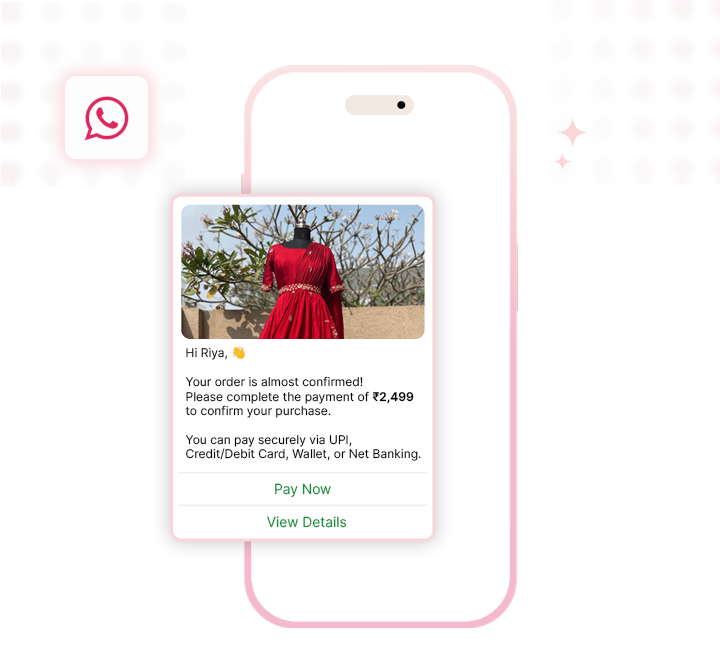
International Bulk WhatsApp Marketing
Reach global audiences with Bulk WhatsApp Marketing. Send offers, updates, and reminders with rich media and real-time delivery.
Learn More about International Bulk WhatsApp MarketingFrequently Asked Questions
Yes. You can use your existing number for both the WhatsApp Business API and App because of Meta’s new Coexistence feature. Earlier, you had to migrate your number from the app.
If your documents are ready, the setup generally takes around 2-5 business days. It also includes Meta verification and phone number activation.
Yes. The WhatsApp Business API provides multilingual messaging support in over 70+ global languages, including Spanish, French, Mandarin, and many more.
In conversation-based pricing models, you're charged for the 24-hour conversation window, not per message. That’s why unlimited messages within that window will be counted as one charge.



From onboarding to your first campaign and beyond, our team is available round the clock on WhatsApp, chat, email and call — so you're never stuck, whatever the time zone.